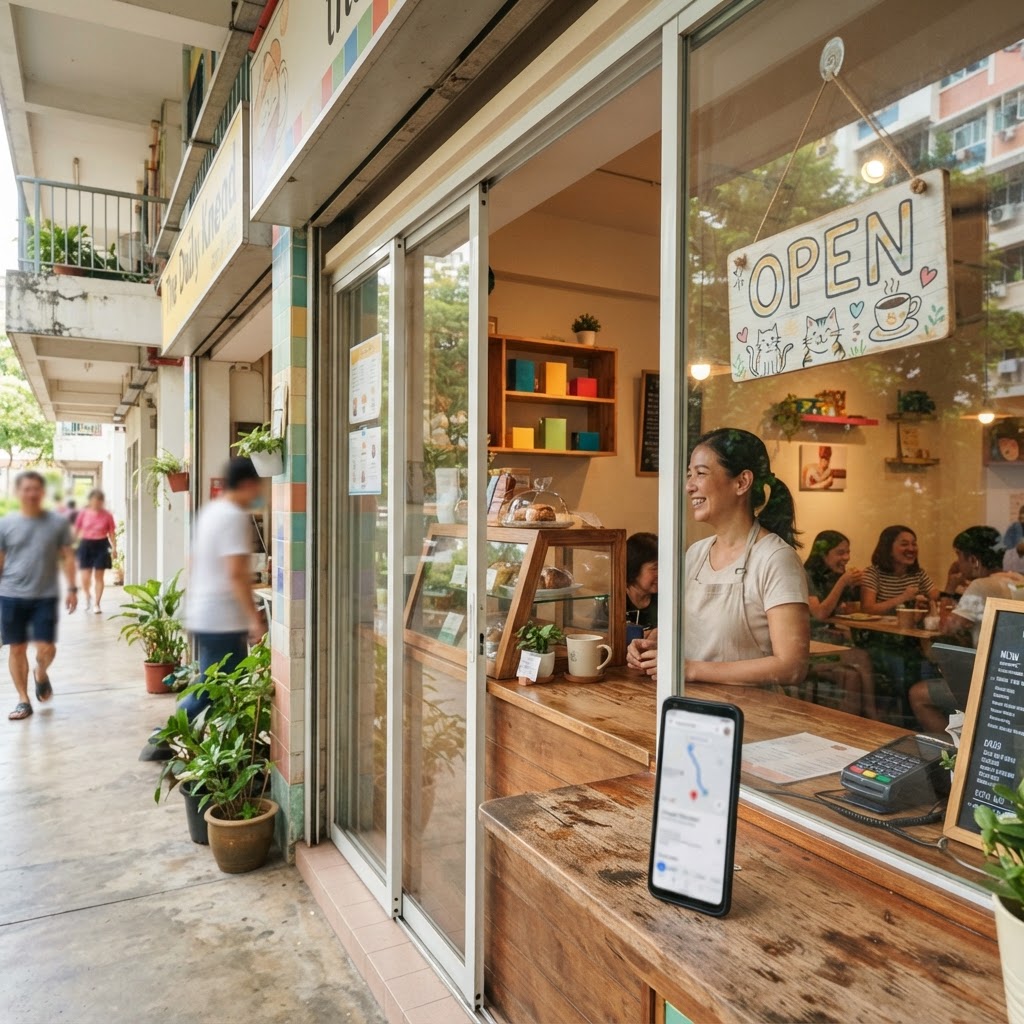
Opening a new shop in Singapore is exciting. You have registered with ACRA, found your space, stocked your shelves or set up your service, and now customers need to find you. The first step most new owners miss is the website. Without one, you are invisible to anyone who searches on Google before they walk in. This first website checklist for a newly opened shop in Singapore covers every step, in order, so nothing falls through the cracks.
What does a first website checklist for a newly opened shop in Singapore include?
A first website checklist covers five areas: getting a domain name, setting up hosting, building the site pages, connecting Google tools and making the site easy to find on Search and Maps. Done in order, these steps take a new shop from zero to visible on Google within a week. Each step is explained below.
Key takeaways
- Buy a domain name in your own name before anything else.
- Hosting, a website builder and security are three separate costs unless you bundle them.
- Google Business Profile is free and puts you on Google Maps from day one.
- Google Search Console tells you which searches bring people to your site.
- A new site needs fresh content regularly so Google has a reason to keep crawling it.
- You can do all of this yourself, or have someone set it up and manage it from S$100 a month with no contract.
Step 1: Register your domain name
A domain is your address on the internet, for example yourshopname.com.sg. Register it in your own name, not your web designer's name, so you always own it. A .com.sg domain typically costs S$15 to S$30 a year. Choose something short and easy to spell. If your shop name is taken, try adding 'sg' or your neighbourhood, for example 'tampinesflowers.com'.
Tip: register the domain yourself through a reputable registrar. Do not let a third party register it on your behalf unless you have a written agreement that the domain belongs to you.
Step 2: Get hosting and an SSL certificate
Hosting is the server that keeps your website online 24 hours a day. SSL is the padlock that appears in the browser bar and tells Google and visitors that your site is secure. Google gives a small ranking advantage to sites with SSL. Make sure your hosting plan includes SSL. Expect to pay separately for hosting if you build the site yourself.
If you use a managed plan like Page One's Get Found plan, hosting and SSL are included. The site is usually live within 7 days and you pay one flat monthly fee instead of juggling separate bills.
Step 3: Build the essential pages
A new shop does not need 50 pages on launch day. Start with these:
- Home page. Explain clearly what you sell or do, where you are and how to contact you.
- Services or Products page. One page per main service or product category works better for Google than one long list.
- About page. A short story about you and your shop builds trust with local customers.
- Contact page. Include your address, opening hours, phone number and a WhatsApp link. Singapore customers expect WhatsApp.
- Location page (if you serve specific areas). Mention your neighbourhood, MRT station or HDB block so Google understands where you are.
For a café, bakery or F&B business, see the more detailed guide on what a website for a new café in Singapore needs.
Step 4: Write page content Google can read
Each page needs a clear title tag and meta description. These are the lines that appear in Google search results. Keep page titles under 60 characters and meta descriptions under 160 characters. Write them to match what your customers would type into Google, for example 'Florist in Tampines, Singapore' rather than just 'Welcome to our shop'.
Add your opening hours, address and phone number in plain text on the page, not just in an image. Google reads text; it cannot always read text inside a picture.
Step 5: Set up Google Business Profile
Google Business Profile is the free listing that puts your shop on Google Maps and in the local results panel when someone searches for your type of business 'near me'. It is separate from your website but the two work together.
To set it up:
- Go to business.google.com and sign in with a Google account.
- Enter your business name, category and address.
- Choose your verification method (a postcard to your address is common for new shops).
- Add photos, opening hours and a link to your website once it is live.
- Ask your first customers to leave a Google review.
Read the full guide on how to get a new business on Google in Singapore for more detail on this step.
Step 6: Connect Google Search Console and Bing Webmaster Tools
Google Search Console is free. It shows you which searches people used to find your site, which pages Google has indexed and any errors Google found. Submit your sitemap here on launch day so Google starts crawling your pages immediately.
Bing Webmaster Tools is worth connecting too. Bing feeds its data to ChatGPT search, so being indexed on Bing helps your shop appear when someone asks ChatGPT for a recommendation. See how to get your business recommended by ChatGPT in Singapore for more on this.
Step 7: Add structured data and a sitemap
Structured data is code that tells Google exactly what type of business you are, your address, opening hours and reviews. You do not need to write the code yourself; a good website builder or managed plan handles it. A sitemap is a list of all your pages in a format Google can read quickly. Both help Google and AI search tools understand and index your site correctly.
These technical details are easy to overlook. The free website checker on the Page One homepage tests your site for these basics in under a minute, with no sign-up needed.
Step 8: Publish content regularly after launch
A new site with five pages and no updates tells Google there is nothing new to crawl. Publish a short article or page every week or two, each targeting a different search your customers actually use. For example, a pet grooming shop in Yishun might write about 'how often should I groom my dog Singapore' or 'mobile dog grooming Yishun'.
This is the step most new owners skip because it takes time. It is also the step that separates shops that appear on Google's first page from those stuck on page five.
What it costs: DIY vs managed plan vs agency
| DIY | Page One Get Found plan | Traditional agency | |
|---|---|---|---|
| Domain | S$15-30/yr (your cost) | S$15-30/yr (your cost) | Varies |
| Hosting | Separate bill | Included | Varies |
| Website build | Your time | Built free on your domain | Often a large upfront fee |
| Google setup | You do it | Included | Sometimes extra |
| Daily technical audit | Manual or skipped | Every day | Monthly or less |
| New content | You write it | New article every 2 days | Depends on package |
| Monthly cost | Tools and your time | S$100/month, no contract | Often hundreds a month |
Page One's Get Found plan builds the website, sets up Google Business Profile, connects Search Console and Bing, adds structured data, and publishes a new article every two days. All for S$100 a month, no setup fee, no contract. The S$100 rate applies for anyone who registers by 31 December 2026; the price may be reviewed from 2027, and clients are told before it changes. The only cost outside the plan is your domain, registered in your name.
For proof that the system works, Edwin Garage (sggarage.com), a car workshop in Ang Mo Kio, reached 2,280 clicks from Google in 28 days, average position 6.1, on page one for 4,290 different searches (Google Search Console, 28 days to 5 October 2026). Results like that are not guaranteed for every business, but the verified data shows what the system can do.
Is a website enough on its own?
A website alone is not enough. You need Google Business Profile for Maps visibility, Search Console for monitoring and regular content so Google keeps crawling. Think of the website as the foundation and everything else as the walls. All of them need to be in place before the building stands.
If you are wondering whether a Facebook page or Instagram account can replace a website, the honest answer is no. You do not own those platforms and they can restrict or remove your account. Read what happens if your Instagram business account gets banned in Singapore to understand the risk.
Conclusion
This first website checklist for a newly opened shop in Singapore comes down to eight steps: domain, hosting and SSL, essential pages, Google-readable content, Google Business Profile, Search Console and Bing, structured data and a sitemap, and regular content. Miss any one of them and your chances of appearing on Google drop. Do them all and you give your shop a real chance of being found by customers searching nearby.
Not sure if your site covers the basics? Run the free check at pageonesingapore.com/#check in under a minute, or WhatsApp Edwin on +65 9785 6612 with no obligation.
Frequently asked questions
How long does it take to get a new shop website live in Singapore?
If you use a managed service, a basic site can be live within 7 days. Doing it yourself takes longer because you need to arrange hosting, build pages and connect Google tools separately. The biggest delay is usually waiting for Google to verify your Business Profile.
Do I need a .com.sg domain or will a .com work?
Either works. A .com.sg shows local customers and Google that you are a Singapore business, which can help with local searches. A .com is fine if your .com.sg preference is taken or if you plan to serve customers outside Singapore too.
Can I just use Instagram instead of a website for my new shop?
Instagram helps with brand awareness but it does not rank well in Google Search, and you do not own the account. If Instagram restricts or removes your account, you lose all your followers and contact with customers overnight. A website on your own domain gives you an asset you control.
What is Google Search Console and why does a new shop need it?
Google Search Console is a free tool from Google that shows which searches lead people to your site, which pages Google has indexed and any errors it found. Connecting it on launch day helps Google find your pages faster and lets you see what is working.
How much does a first website cost for a new shop in Singapore?
Doing it yourself means paying for hosting, a builder tool, and your time, each with its own bill. Page One's Get Found plan covers hosting, the website build, Google setup and daily management for S$100 a month with no contract. The only additional cost is your domain, usually S$15 to S$30 a year.
What pages does a new shop website need at launch?
Start with five: a home page, a services or products page, an about page, a contact page with your address and WhatsApp link, and a location page if you serve a specific area. You can add more pages over time as you publish content targeting different searches.
Does Google rank a brand new website quickly?
New websites typically take weeks to months to appear on Google's first page for competitive searches. Local and specific searches can show results faster, especially when Google Business Profile is set up correctly alongside the website. Regular fresh content speeds up the process.
Get found on Google and AI from S$100 a month
S$100 a month for anyone who registers by 31 Dec 2026. From 2027 the price may rise, depending on demand, and we'll tell you before it changes. No setup fee, no contract. Not sure yet? Check your website free, or ask Edwin on WhatsApp.
Sign up from S$100/month Chat on WhatsApp